
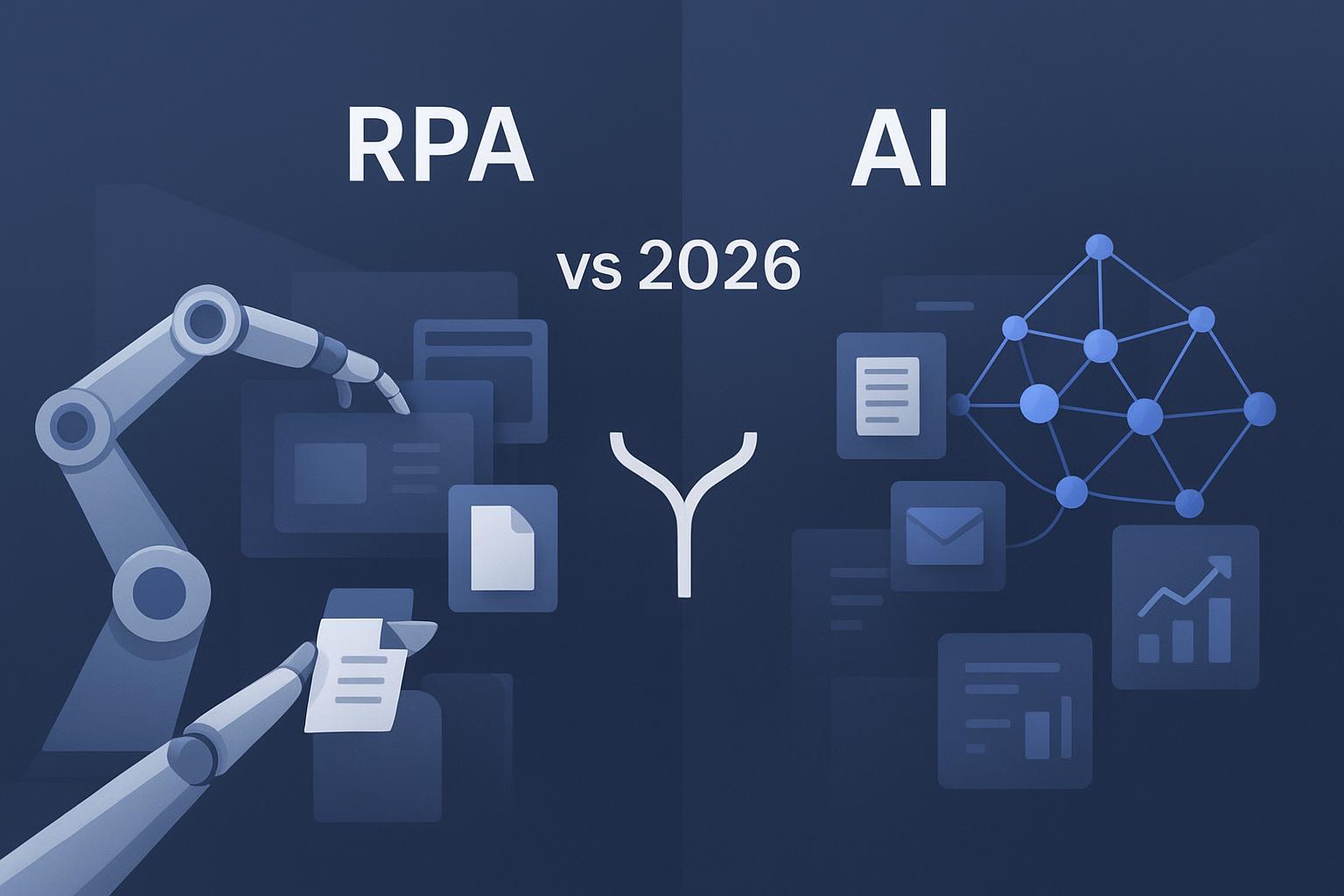

If your team is choosing between scripting a bot or spinning up an AI workflow, here’s the short, board‑ready answer: RPA excels at repeatable clicks and data moves on stable systems; AI handles messy inputs, learns, and writes the narrative. Most leaders end up using both.
Key takeaways
RPA vs AI in one line: rules‑stable UI/API work → RPA; unstructured and changing inputs → AI; end‑to‑end reporting → combine.
Reliability and audit favor RPA; adaptability and exception handling favor AI/agents.
For SMBs, scoped pilots often pay back in 3–12 months (as of 2026‑02‑15) when focused on invoices or weekly KPI packs.
Use Microsoft’s transparent pricing for ballparks; other RPA vendors are quote‑based. Control AI token usage.
Always add governance: human‑in‑the‑loop, audit logs, and the NIST AI RMF principles.
TL;DR verdict
Pick RPA for high‑volume, repetitive, rules‑stable back‑office tasks with predictable UIs/APIs. Pick AI (including agentic AI) for unstructured documents/emails, variable inputs, and narrative/report generation. For KPI reporting across multiple systems, combine them: AI interprets and writes; RPA fetches and posts.
What’s the real difference?
Robotic Process Automation (RPA) is deterministic automation that follows explicit rules to drive UIs/APIs for structured, repetitive tasks. It does not “learn” unless a human updates the rules. Multiple 2024–2026 explainers capture this framing, including vendor‑neutral roundups and primers—see the side‑by‑side framing in the 2024 guides by Direct Impact Solutions and Scalefocus, and an academic overview published in 2024 that contrasts repetitive accuracy with analytic learning.
Artificial Intelligence (AI), including agentic AI, learns from data, understands unstructured inputs (text, PDFs, images), adapts to change, and can decide next steps. In practice, AI and RPA are complementary in “intelligent automation” stacks where AI interprets/decides and RPA executes.
For recent syntheses separating rule‑based RPA from adaptive AI and describing why combining them is effective, see the comparison by the Direct Impact Solutions 2024 AI vs. RPA overview, the Scalefocus 2024 comparison, and a 2024 academic review hosted by PMC.
RPA vs AI — executive comparison table
Below is a PPT‑ready snapshot. Use it as a one‑slide insert.
Dimension | RPA | AI (incl. agents) |
|---|---|---|
Best for | Stable, repetitive, rules‑based ops | Unstructured inputs, changing cases, narrative/reporting |
Task structure fit | Strong on structured data and stable UIs/APIs | Handles PDFs/emails/images; tolerates variability |
Adaptability & learning | Requires human rule updates | Learns and generalizes from data/feedback |
Exception handling | Escalates or needs new rules | Resolves more edge cases autonomously |
Implementation speed | Fast for narrow UI/API tasks | Fast for text analysis and content generation |
Integrations & spreadsheets | Rich connectors; solid with Excel/CSV | Broad file ingestion; strong NLP/vision |
Reliability & latency | Predictable SLAs; low variance | Model latency; accuracy varies by model/data |
Governance & audit | Deterministic; deep logs common | Requires guardrails and review policies |
Cost & ROI (directional) | Licenses/bots; good for stable tasks | Consumption‑based; shines on content/IDP |
Maintainability | Can be brittle on UI changes | More tolerant to variation; retrainable |
Outcome quality | Precise execution | Executive‑ready insights/slides with the right data |
Scenario picks: where each wins
Best for repetitive, rules‑stable operations → RPA
If >80% of the steps are repeatable and the UI/API rarely changes (e.g., claims uploads, ERP record updates, reconciliations), start with RPA. It delivers reliable throughput with strong audit trails. Microsoft’s public customer stories report large hour savings when applying RPA to well‑bounded processes; for example, Cineplex reported ~30,000 hours saved annually across automations (2024), and Uber cited over $9M in annual savings using Power Automate.
Best for unstructured documents, emails, and exceptions → AI/agents
When inputs are PDFs, emails, scanned invoices, or diverse forms—and rules break down—AI/IDP is the better core. Leading RPA suites ship or integrate AI for document understanding: UiPath Document Understanding combines OCR, ML/NLP, and now generative AI with human‑in‑the‑loop validation; Automation Anywhere provides Document Automation with generative AI for unstructured docs. Use AI to classify/extract/decide; use RPA to execute the system transactions.
Best for board‑ready KPI reporting and slide narratives → Combine AI + RPA
To produce investor‑grade decks from scattered sources, let RPA fetch/normalize data from legacy CRMs/ERPs/files, then have AI reconcile metrics, generate charts, and write the executive summary. For ROI thinking specific to weekly KPI packs, see hiData’s ROI of automating weekly KPI reports, which outlines a practical path to proving payback.
Also consider: For spreadsheet‑first teams that need natural‑language analysis and AI‑generated slides without heavy IT lift, hiData supports Excel/CSV/PDF ingestion and helps produce consistent KPI decks; the ROI article above explains the approach in more detail.
How RPA and AI work together (intelligent automation)
Think of AI as the analyst and RPA as the doer. A typical flow:
RPA collects files and system data → 2) AI classifies/extracts/validates content with human‑in‑the‑loop for sensitive steps → 3) AI drafts insights/charts/slides → 4) RPA writes results back to systems, triggers approvals, and distributes reports.
Add governance from day one. The NIST AI Risk Management Framework recommends clear accountability, documentation, and human oversight for higher‑risk uses. Major vendors offer audit logging—UiPath exposes unified audit logs and an AI Trust Layer, and Microsoft’s Power Platform provides enterprise pricing and licensing documentation with AI Builder governance references. Use reviews for any AI‑generated numbers that hit external stakeholders.
Cost, effort, and payback (as of 2026‑02‑15)
Transparent example: Microsoft Power Automate lists prices publicly. Premium (attended) starts around $15 per user/month; process licenses for unattended bots are listed around $150 per bot/month, with hosted options and pay‑as‑you‑go meters. AI Builder credits are managed per plan. Always verify the latest numbers from Microsoft’s pages.
Other major RPA platforms (UiPath, Automation Anywhere, SS&C Blue Prism) typically use quote‑based pricing; treat comparisons as directional.
LLM/API example: GPT‑4o–class APIs publicly price tokens in the single‑digit dollars per million for inputs and mid‑teens per million for outputs; consult your model vendor’s current pricing page before launch.
Directional ROI: Focused pilots for invoices or weekly KPI packs often reach payback within 3–12 months when scoped to a few high‑volume processes, supported by named customer stories—e.g., SLB’s case study and Cineplex’s results with Microsoft Power Automate—and invoice automation outcomes summarized on UiPath’s invoice automation page.
Caveats: Pricing and consumption terms change frequently by vendor and region. Treat all figures here as directional snapshots as of 2026‑02‑15.
30/60/90‑day pilot plan
0–30 days (POC):
Pick one process with clear volume and stable access (e.g., invoice intake or a weekly KPI pack).
Define success metrics: hours saved, error rate, straight‑through processing %, slide‑ready deck quality.
Stand up a thin slice: basic RPA bot or AI extraction + human review; validate end‑to‑end.
31–60 days (expand and harden):
Add connectors/APIs; introduce exception paths and alerts.
Implement audit logging and approval checkpoints; document policies.
Tune prompts/models/selectors; measure token spend and bot success rates.
61–90 days (productionize and measure):
Scale volumes; schedule unattended runs where appropriate.
Establish owner runbooks and change‑management playbooks.
Produce a board‑ready ROI summary and decide the next 2–3 processes.
FAQ
When should a small business choose RPA vs AI?
Choose RPA if over 80% of the workflow is repetitive with a stable UI/API. Choose AI if inputs are unstructured (emails, PDFs) or change frequently, or if you need narrative/report generation. For cross‑system KPI reporting, combine them: RPA to fetch/normalize; AI to analyze and write.
Can RPA call LLMs or other AI services?
Yes. Leading RPA suites integrate AI through built‑in IDP/NLP or connectors to services like Azure/OpenAI. Examples include UiPath Document Understanding and Microsoft Power Automate’s AI Builder and Azure AI integrations.
How much does it cost, and what’s the typical payback?
Use Microsoft’s public Power Automate pricing as a reference point; other platforms quote per account. For AI, watch token consumption. Directionally, well‑scoped pilots often pay back in 3–12 months, supported by named customer outcomes from Microsoft and invoice automation examples from UiPath.
Is RPA dead now that AI agents exist?
No. UI‑level automation remains superior for deterministic, high‑volume tasks with strict SLAs/audits. AI agents complement RPA by handling variability and unstructured inputs; in many mature programs, AI interprets while RPA executes.
What guardrails should we implement first?
Adopt human‑in‑the‑loop for high‑impact steps, enable comprehensive audit logs, document change control, and align with the practices outlined by the NIST AI Risk Management Framework. For practical export/share questions in AI‑assisted reporting, review hiData’s FAQ.
Closing notes
Here’s the deal: treat RPA as your reliable executor and AI as your adaptable analyst. Start where the data and rules are friendliest, track hard metrics from week one, and grow into combined flows with policy‑backed oversight. For practical questions on files, exports, and sharing in AI‑assisted reporting, review hiData’s FAQ.